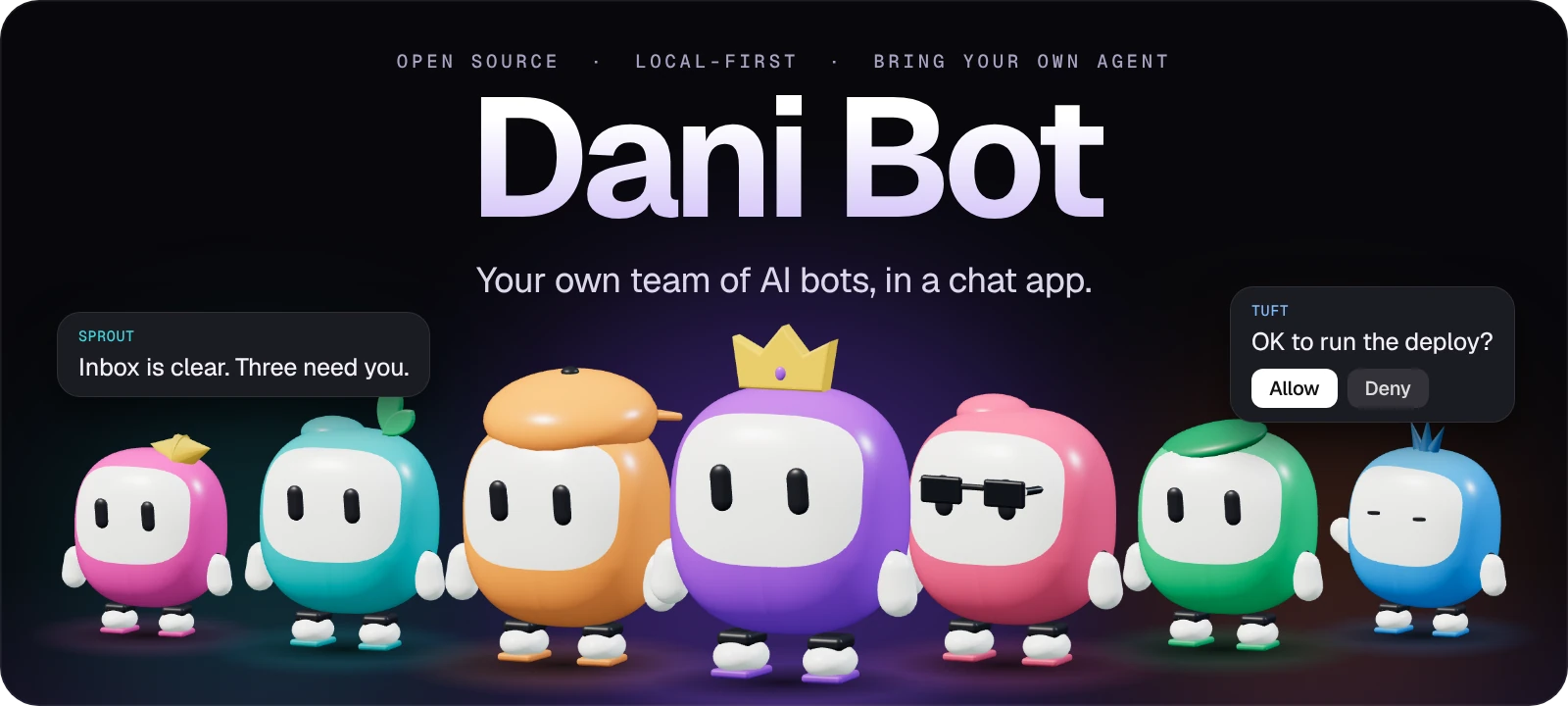
Open source · Local first · Computer use

Your AI team.
All in one place.

A chat app for agents that actually get things done. Give them a task, then watch them use your computer, browser, and tools to carry it through — while you stay in control.
NVIDIA Inception ProgramBacked by
NVIDIA Inception
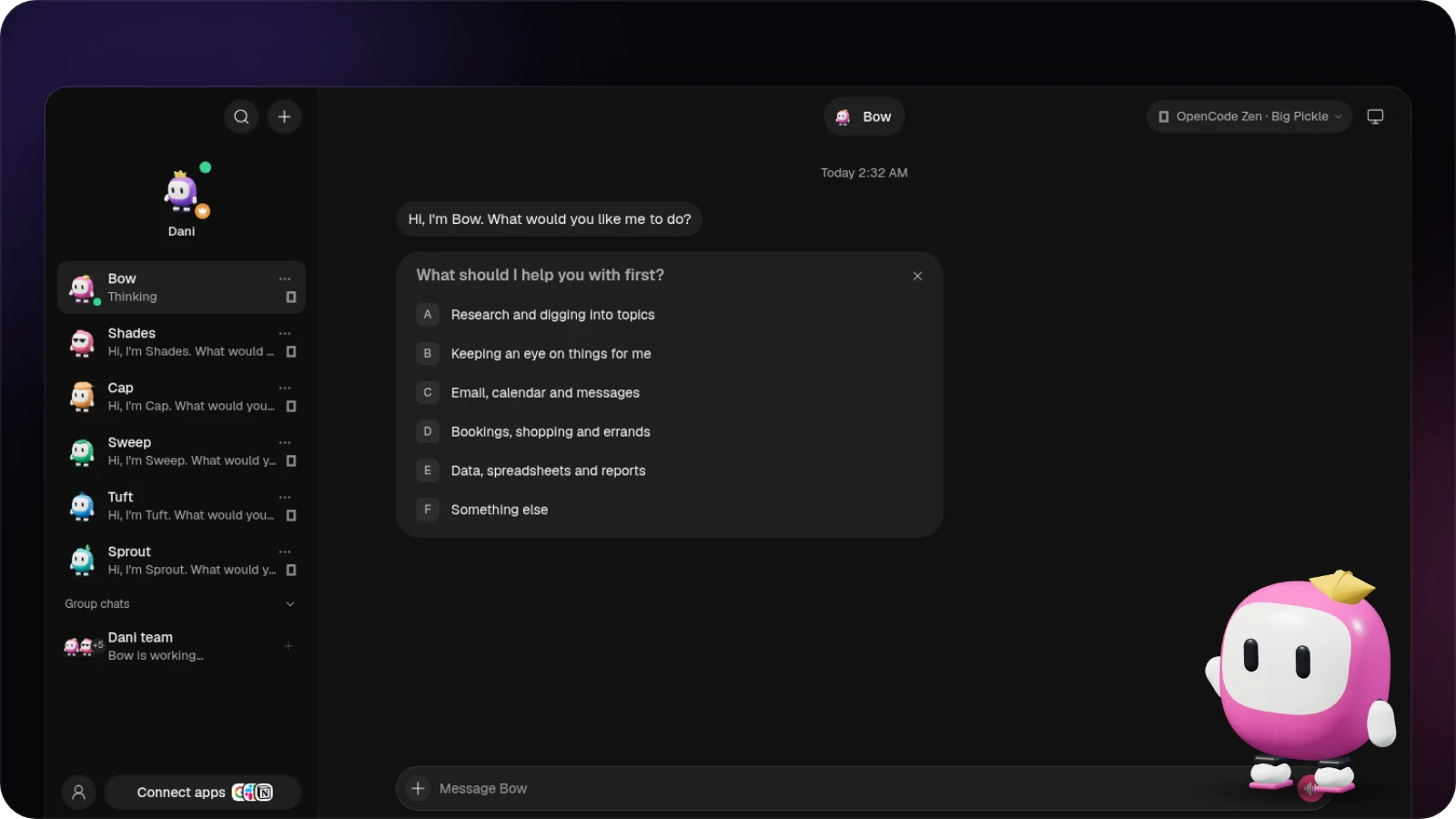
Dani Bot chat app with a roster of AI agents and a conversation with Bow
Your crewReal agents.
Real work.
One chat. A whole team.
Dani Bot / LiveAgents with
hands ✦
Browsers, desktop apps, files, and tools — they can actually do the work.
Connected apps500+Ways to get things moving ↗
Team chatBring everyone in.
Built for the way you actually work
One team. Every desktop.Made for your machine◉ macOS⊞ Windows⬡ UbuntuOpen source by design ✳
About Dani Bot

An actual team of agents, ready to work with you. In a chat app that feels like home

DANI BOT
Colorful Dani Bot agent characters
1:1

Chat with every bot like a contact. Give each one its own personality, model, and tools.

Your team, your rules
100%

Room to make it yours.

“Every bot gets its own brain, its own computer, and a place on your team.”

A world of possibilities
500+

Connected apps to choose from, with access you control for each bot.

One place for all of it∞
✳ What Dani can do

Big ideas need
more than one bot.

From a quick question to a full team effort, give the right agent the right job and keep everything in one conversation.

01 / Make it personal

Give every bot its own brain.

Use the models and CLIs you already have. Pick a different model for each bot and switch when the work changes.
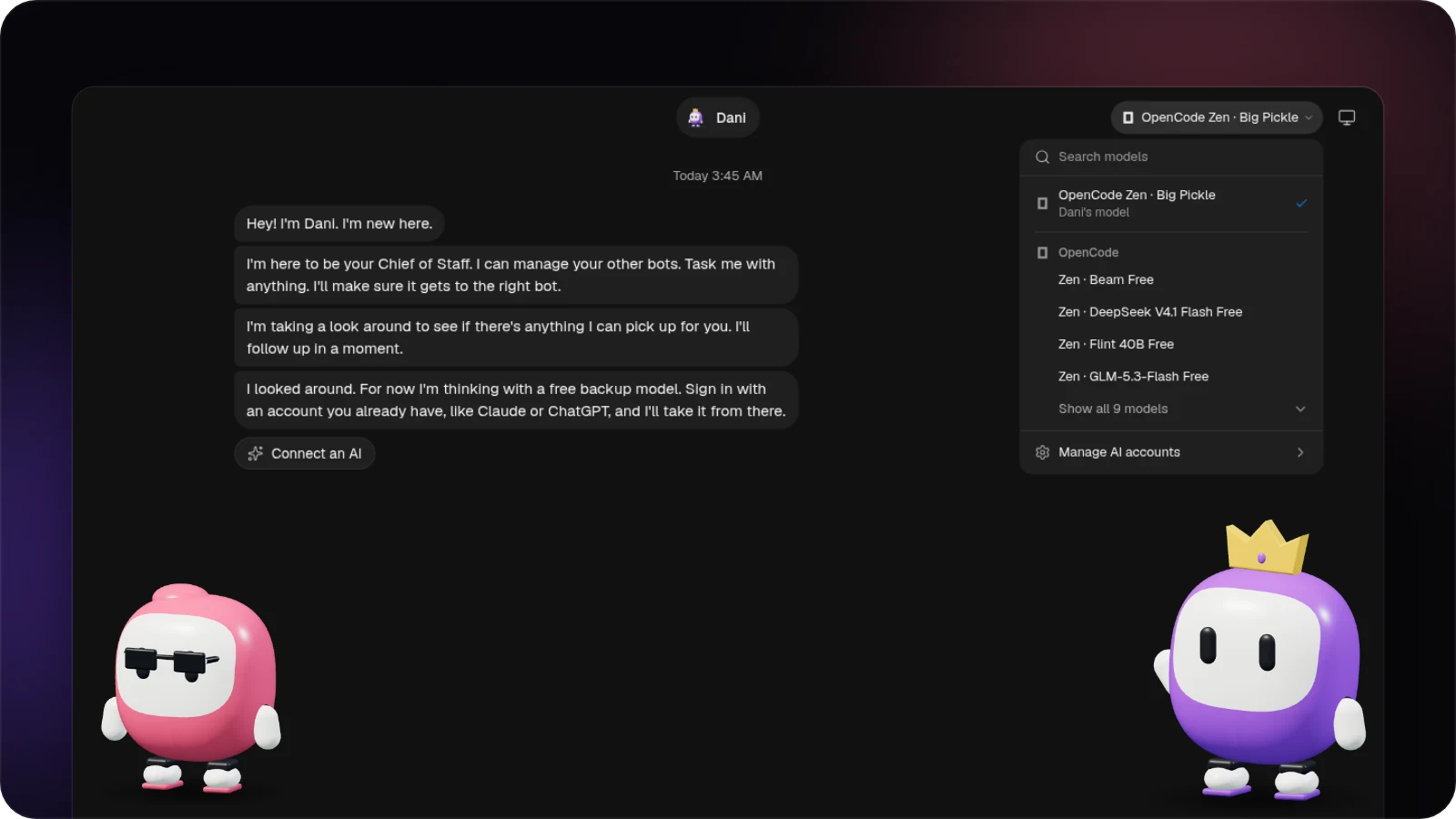
Dani Bot model picker showing available models for a bot
02 / Work together

The whole crew in one chat.

Make a group, share a brief and working folder, then choose exactly who answers.
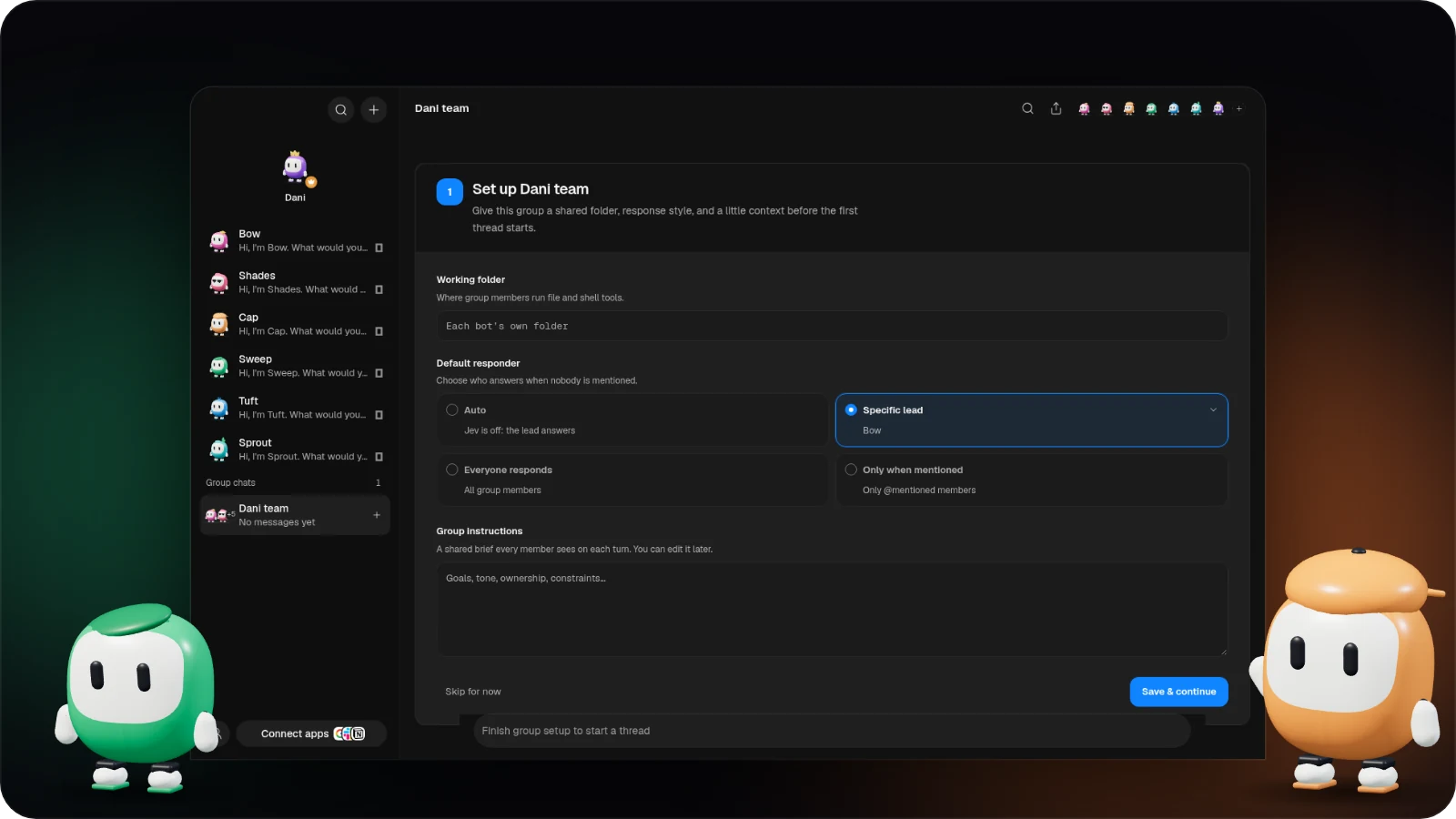
Group chat setup with a shared brief and responder controls
03 / Get it done

Agents that use the computer.

Give a bot a browser and desktop. It can research, click through workflows, move between apps, and get work done while you watch and approve actions.
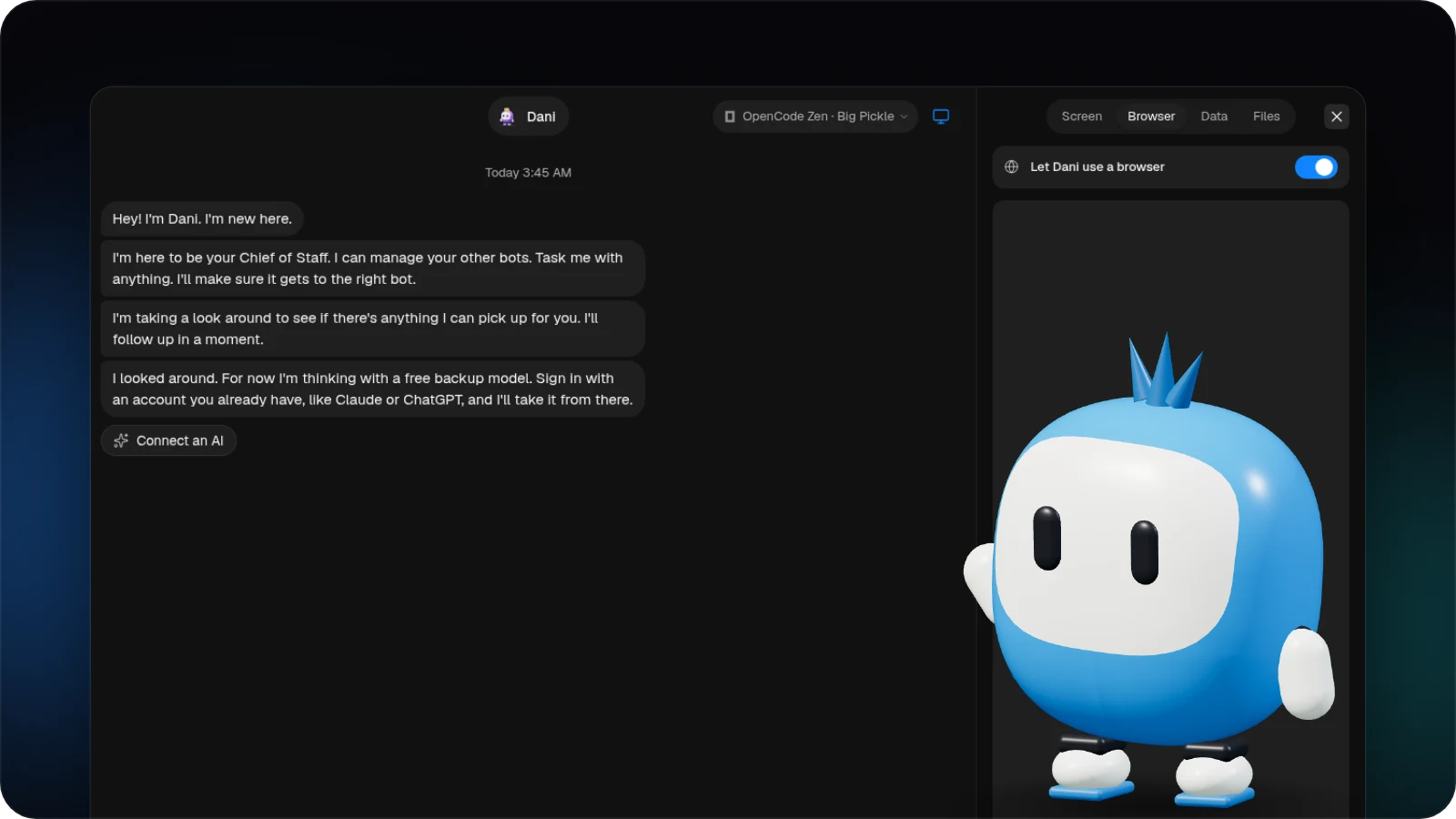
Dani Bot computer panel beside an agent chat
04 / Connect your world

Tools for the real world.

Connect apps once, then choose which bots can use them. Gmail, GitHub, Slack, Notion, and more.
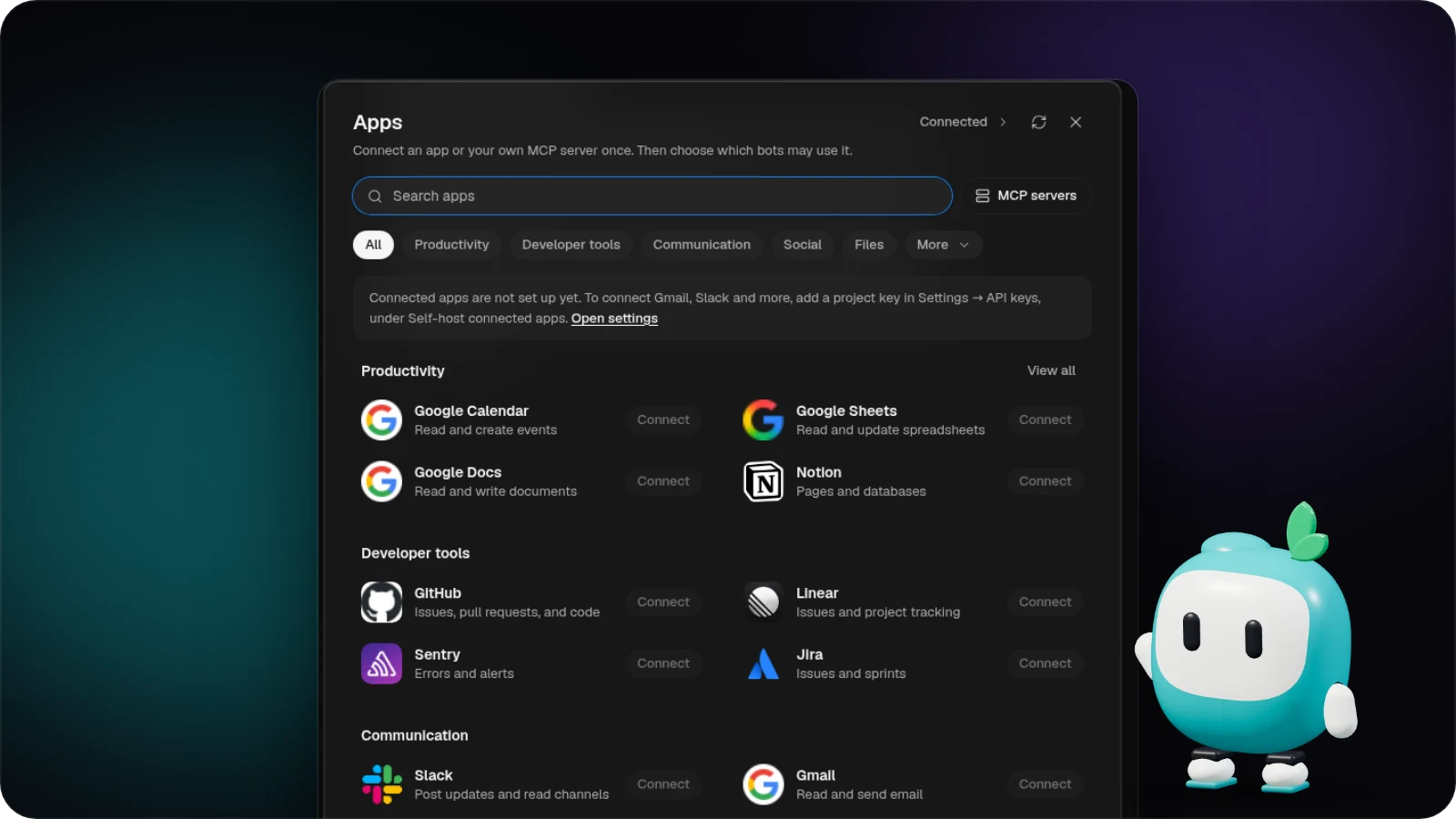
Dani Bot connected apps marketplace
Integrations

Plugs into the data tools you already trust.

Your AI team connects to the apps and services that keep work moving — all from one place.

AApify
✳Apollo
◈Crustdata
◆Hunter
◌People Data Labs
CClearbit
WBuiltWith
SSimilarWeb
cbCrunchbase
YHacker News
●Reddit
𝕏Twitter / X
inLinkedIn
PProduct Hunt
✦Luma
fMeta Ad Library
GGoogle Ads
aAhrefs

+ 80 more integrations →

How it works

It starts with a message. Then your agents take it from there.

01 / Choose your crew

Bring your agents.

Add bots with different personalities and strengths. Use your own engines, models, and existing logins.

02 / Give them a real task

Point them at the work.

Ask for research, data entry, a booking, a report, or any multi-step job. They can use the browser, desktop apps, files, and connected tools.

03 / Stay in control

Watch the work happen.

See replies stream in alongside clicks, tool activity, and screenshots. Step in or approve the actions that need your say-so.

8,522AI agents
73,011skill runs
26,780tasks completed
Pricing

Simple, credit-based pricing.

One pool of credits for every agent, task, and integration. Scale your AI team as you grow.

For getting started
$29 / mo
2,000 credits / mo
  • 30–50 agent tasks
  • One personal workspace
  • Core integrations
Get started
For daily work
$59 / mo
4,000 credits / mo
  • 60–100 agent tasks
  • 10–20 advanced runs
  • Shared team spaces
Get started
For teams at scale
$299 / mo
30,000 credits / mo
  • 450–750 agent tasks
  • Unlimited team spaces
  • Priority support
Talk to us

All plans include access to 100+ integrations and a flexible pool of shared credits.

✳ Ready when you are

Meet the team that’s already yours.

Get Dani Bot on your desktop. Open source, local first, and built to work with the tools you already use.

Looking for Mac Intel, Windows portable, or Ubuntu .deb? See all releases ↗